• 1800 572 5501
  • info@brilliko.com

Brilliko Program In
Animation Filmmaking - BPAFM

Duration : 288 Hrs

Brilliko Program in 3D Animation Film Making

Embarking on a film-making course opens a gateway to the captivating world of visual storytelling, where creativity and technical prowess converge. This comprehensive program delves into the fundamental aspects of film production, offering a hands-on experience that empowers aspiring filmmakers with essential skills.

Book Free Demo
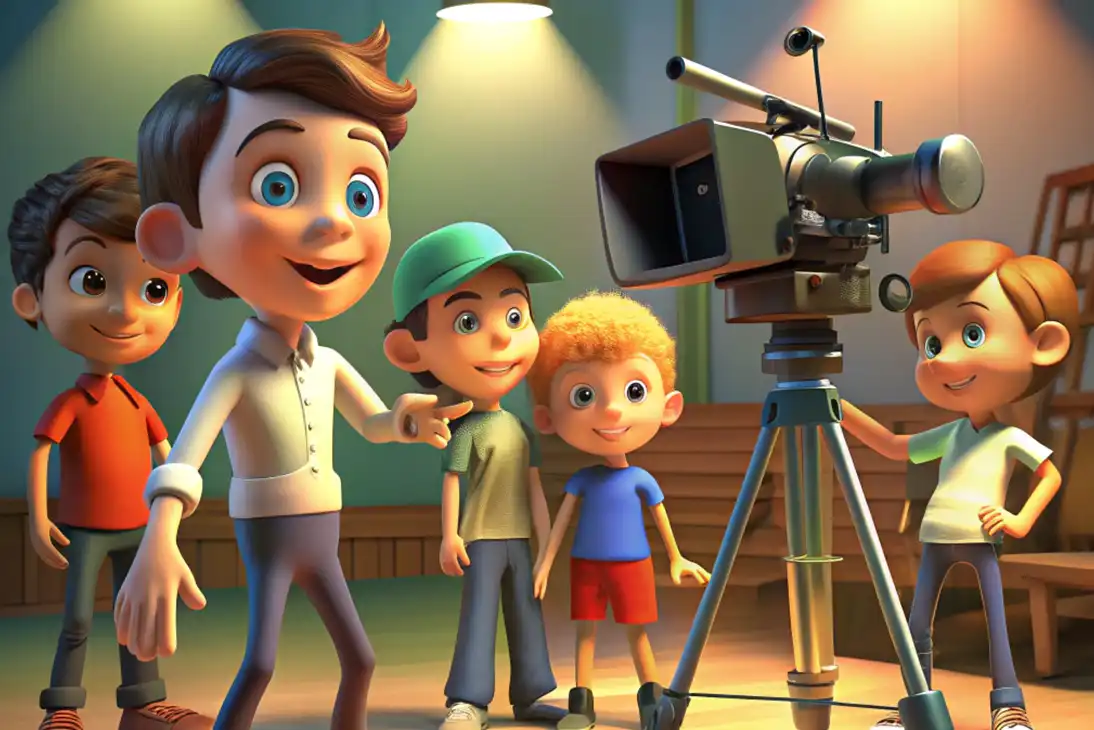
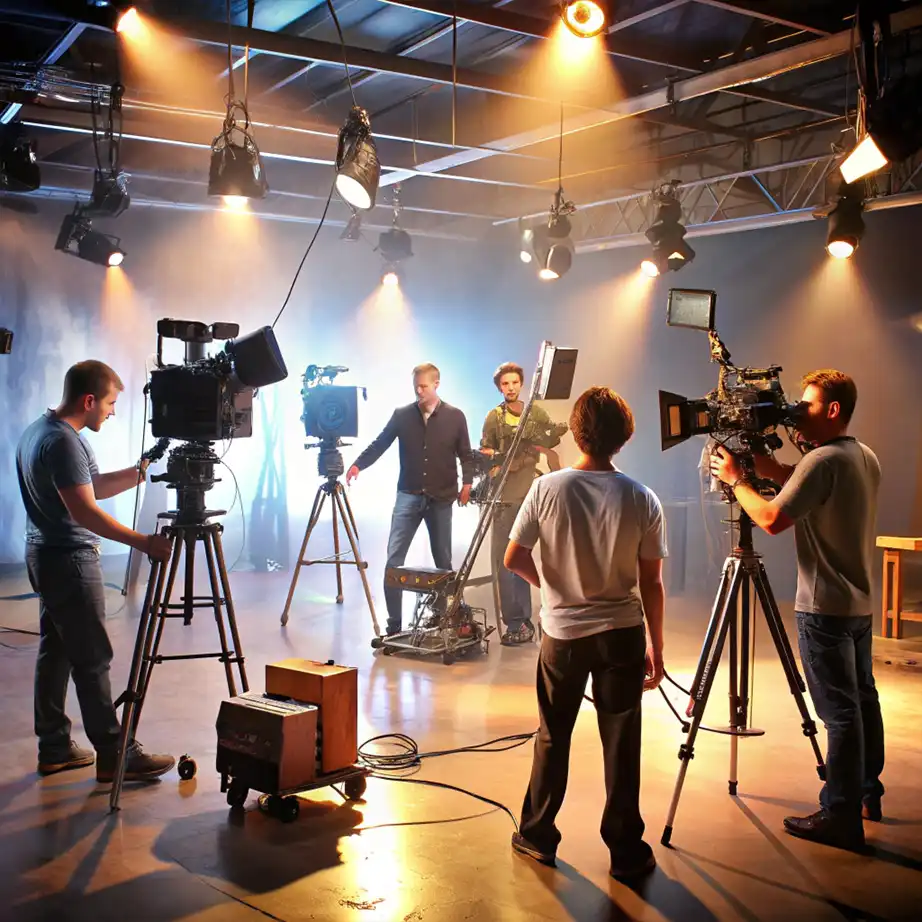
Animation Filmmaking Course in Ludhiana
Filmmaking Course in Ludhiana
Filmaking Course in Ludhiana

Career Opportunities

Design Visualisation Artist

Lighting Artist

Animator

Rigging Artist

Motion Graphic Artist

Digital Designer

Modelling Artist

Compositing Artist

Course Content

Adobe Photoshop

  • Create Character Sheets and Background Layouts
  • Design Storyboards and Pre-Visualization Frames
  • Develop Posters, Thumbnails, and Title Graphics
  • Paint Textures and Surface Details for 3D Models
  • Export Layered PSDs for Use in Maya and After Effects

Adobe Premiere Pro

  • Assemble Animatics and Edit Storyboard Sequences
  • Sync Rough Audio, Dialogues, and Background Music
  • Trim and Organize Clips in a Multi-Layered Timeline
  • Add Transitions, Placeholder Effects, and Markers
  • Export Drafts for Review and Post-Production Planning

Adobe Audition

  • Record and Clean Up Voiceovers and Dialogues
  • Remove Noise, Hiss, and Background Disruptions
  • Add Basic Sound Effects and Ambient Tracks
  • Layer Music and Voice in Multi-Track Sessions
  • Export Audio Files Optimized for Animation Editing

Adobe After Effects

  • Animate Titles, Motion Graphics, and Visual Intros
  • Composite 3D Renders with Video and Background Elements
  • Apply Camera Movements and Parallax Effects
  • Add Visual Polish, Glows, and Color Transitions
  • Prepare Final Sequences for Video Editing and Export

Autodesk Maya

  • Model 3D Characters, Props, and Animation Environments
  • Rig Characters for Facial and Body Animation
  • Animate Walk Cycles, Lip Sync, and Performance Shots
  • Set Up Lighting and Camera Paths for Animated Scenes
  • Render Frames for Compositing with Alpha Channels

Blender

  • Create 3D Layouts and Simple Animated Elements
  • Experiment with Materials, Shading, and Stylized Looks
  • Animate Secondary Assets for Use in Scenes
  • Render Backgrounds or Support Objects for Integration
  • Export Scenes or Passes for After Effects or Maya Use

Software Covered

Adobe Photoshop

Adobe Premiere Pro

Autodesk Maya

Adobe After Effects

Adobe Audition

Blender Pro

AI Tools

ChatGPT

Midjourney

Adobe Firefly

Runway ML

Leonardo AI

ElevenLabs

DeepMotion

Meshy

Wonder Dynamics

Topaz Video AI

Call Brilliko Institutes